
Guardian field manual
The StarSeeker user guide
Welcome aboard. StarSeeker teaches your child to read through a story about flying a ship across a galaxy — but everything on screen is really careful, structured phonics. This guide explains what every icon means, how a mission runs from launch to landing, what each game and power-up does, and exactly how your child earns their rewards. It is written for you, the grown-up; you can read it end to end, or jump to any section below.
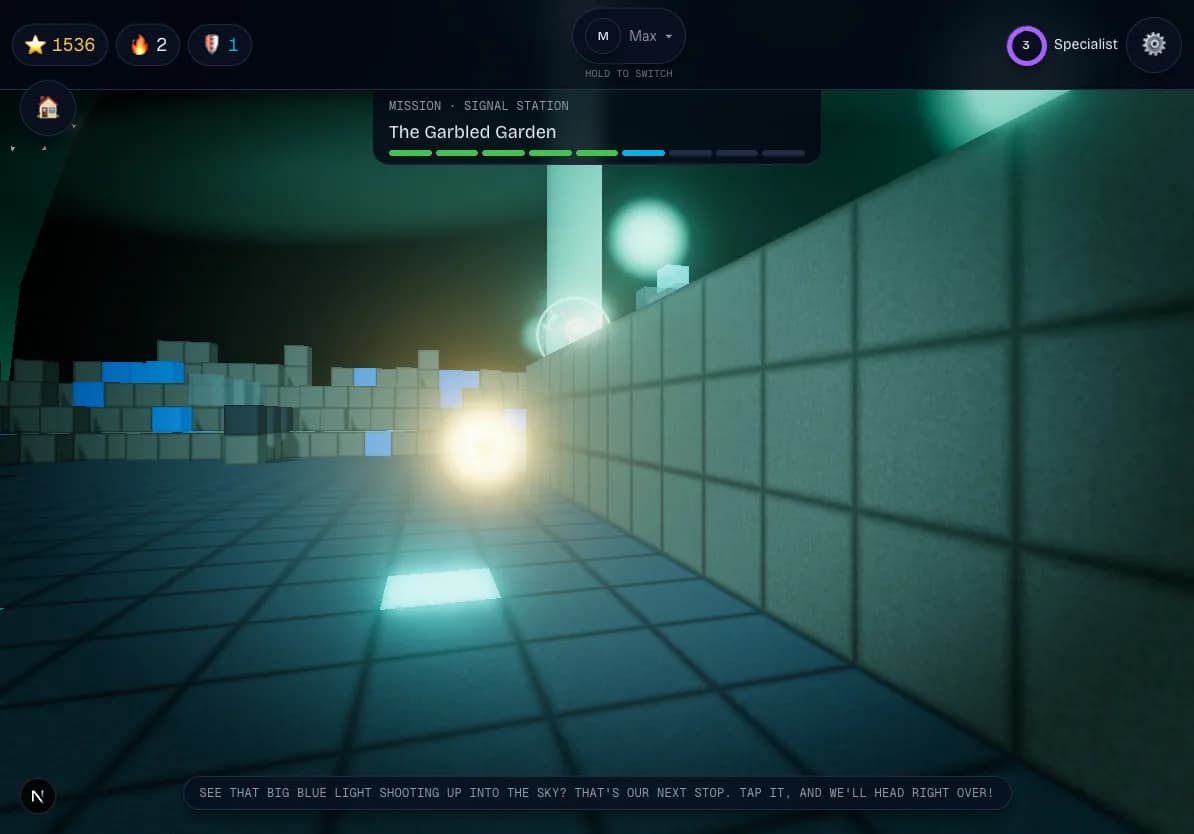
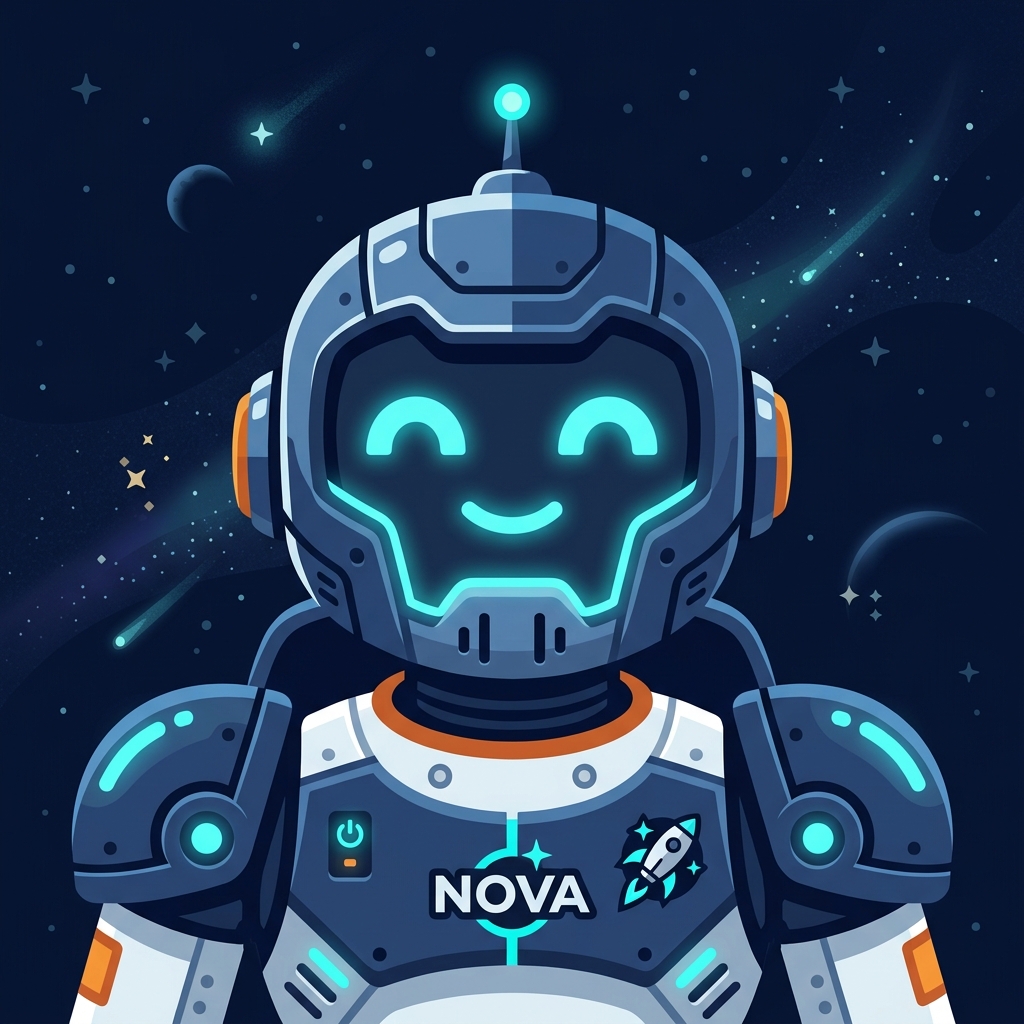
Nova, above, is your child's guide. She speaks every instruction out loud, so a child who cannot read a single word yet can still play from the very first minute.
Reading the screen
What the icons mean
The row across the top of the game is the HUD — the ship's dashboard. Here is what each part is. The most important thing to know: every icon here is tappable, and tapping it makes Nova explain it out loud, so a child who cannot read never has to guess.
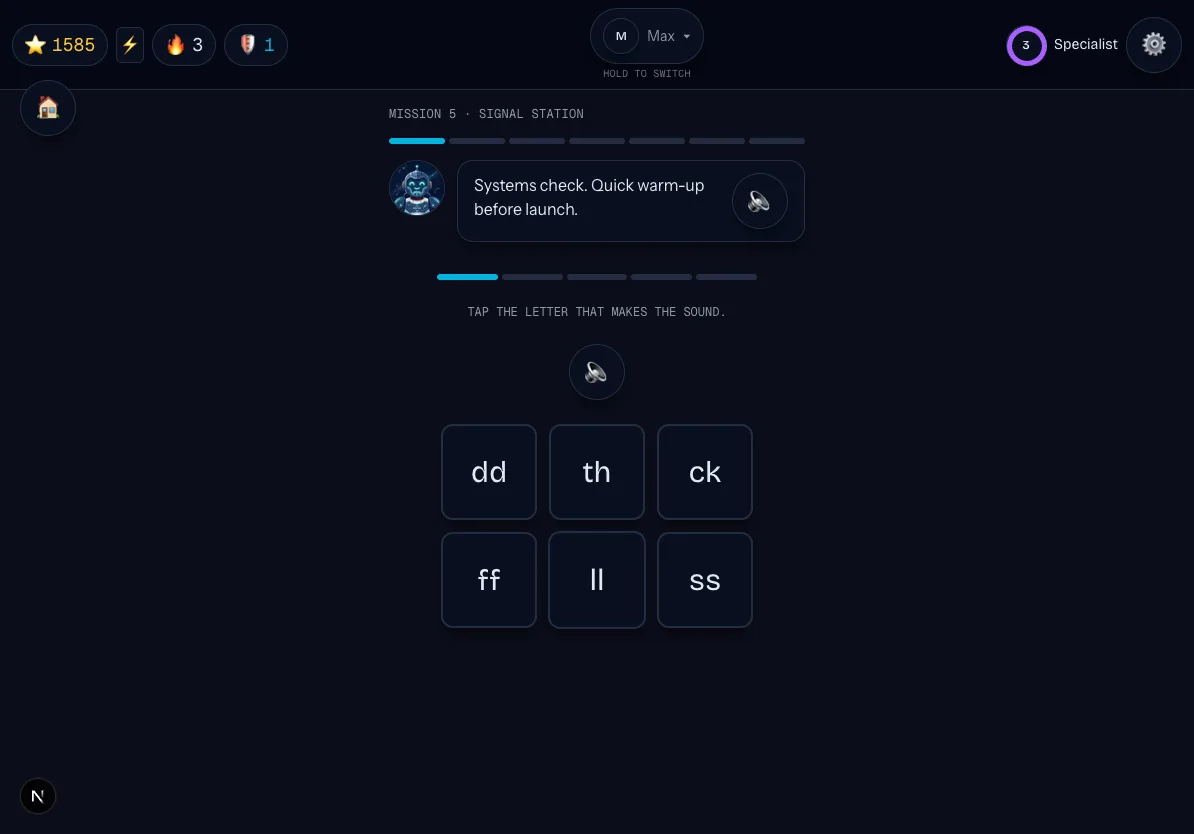
- Star Dust counter
- The one thing your child earns and collects. It is purely cosmetic — it fills the rank patch and earns bragging rights. Nothing in the game costs Star Dust, so it is never spent and only ever climbs.
- Voice Power meter
- Appears inside missions when the microphone and sound are on. Every sound or word your child says out loud charges it a little. Fill it before the mission ends for a +15 Star Dust bonus. With the radio off, the meter simply does not appear.
- Streak flame
- How many days in a row your child has flown a mission. The number beside the flame is the current streak.
- Streak shields
- Earned protection that saves the streak when a day is missed. The shield count only shows when your child owns at least one.
- Cadet chip
- The little name badge. Tap it and Nova says the cadet's name out loud; press and hold for about six-tenths of a second to switch to another cadet on the same device.
- Rank patch
- Your child's rank, set by their all-time Star Dust total. Because Star Dust is never spent, rank only goes up.
- Settings gear
- Sound on and off, the radio (microphone) on and off, a button to replay any how-to-play explanation, and the door to the Grown-ups area.
Rank patch tiers
Rank is based on lifetime Star Dust earned. It never goes down.
| Rank | Lifetime Star Dust |
|---|---|
| Cadet | 0 |
| Pilot | 300 |
| Specialist | 800 |
| Captain | 1,600 |
| Commander | 2,800 |
| Star Voyager | 4,500 |
Around the edges of the screen
- Hear-it-again button
- During every mission task, a round speaker button sits near the top-right. Tap it any time and Nova repeats the instructions for the current game — no more being stuck because the directions already played once.
- Listening light (bottom-left)
- A small light that glows whenever the microphone is open — during a clearly announced speaking turn, or during Open Radio if a guardian has turned that on. It means the game can hear right now; tap it and Nova explains what it means. The microphone is never open anywhere else.
- Station shortcut (bottom-right)
- Jumps straight to the space station and its collections.
- Hold-to-quit
- Inside a mission, press and hold the home button for about a second to leave. The hold is deliberate so a stray tap never ends a mission early.
The core loop
A mission, launch to landing
Every mission follows the same friendly shape, so your child always knows what comes next. There are no timers and no way to fail — a mission only ever ends in a landing.
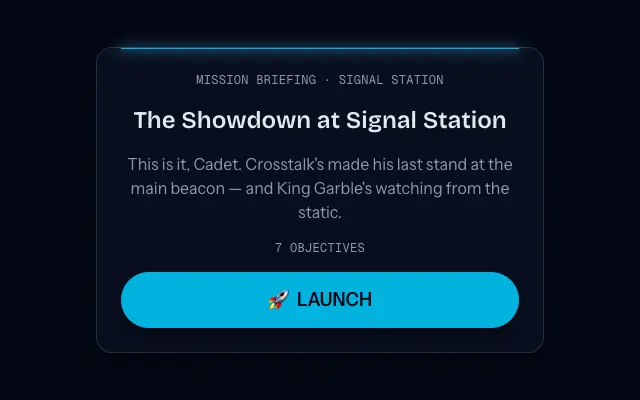
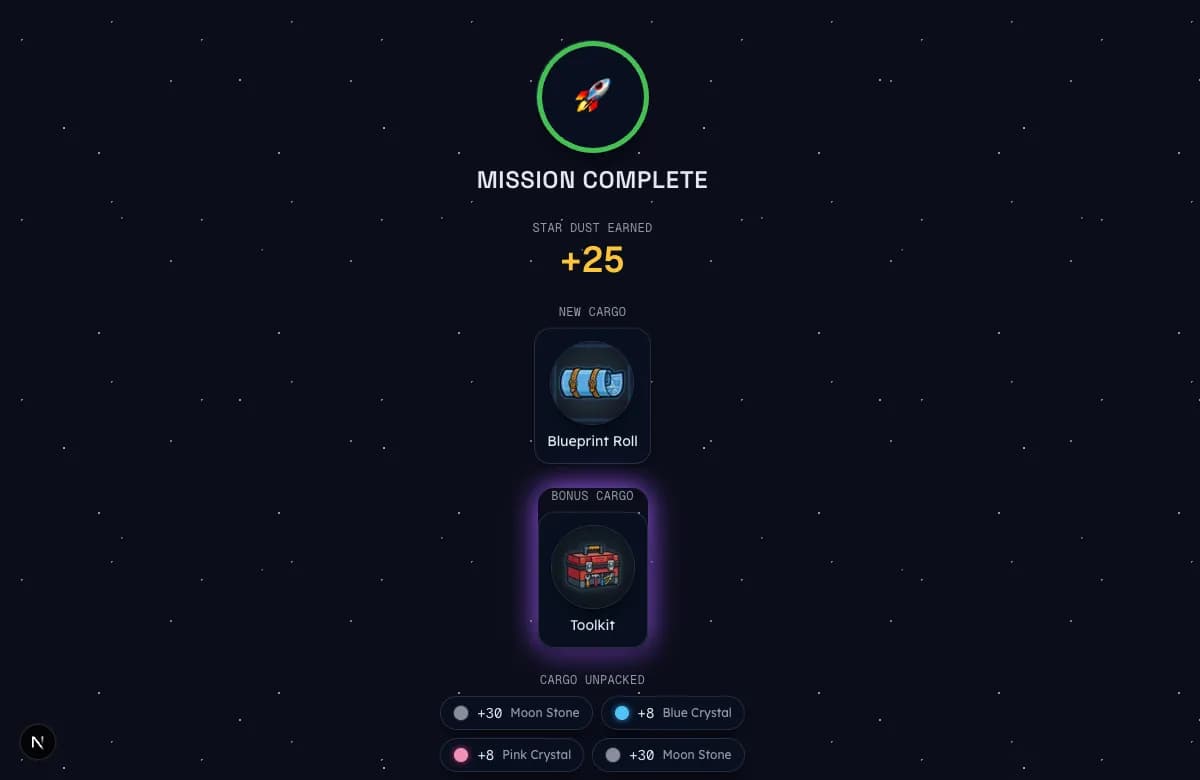
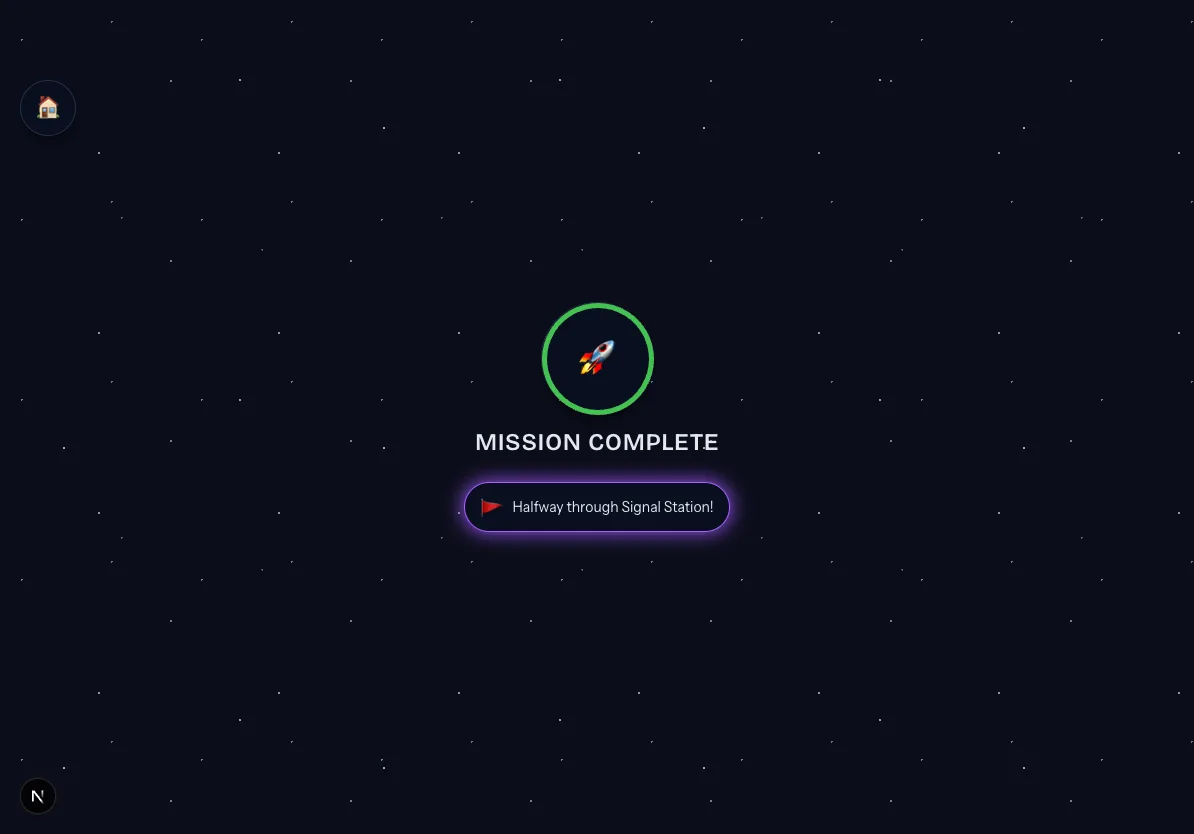
- 1
Mission Briefing
A hologram briefing sets up the story and the goal for the flight ahead.
- 2
Boost Picker
An optional chance to spend one earned boost before launch. Easy to skip — nothing is lost by flying without one.
- 3
Systems Check
Five quick rounds: Nova plays a sound and your child taps the letter that makes it. A gentle warm-up of sounds they already know.
- 4
New Tech
The new sound is introduced properly — a big letter on screen, a keyword picture, a mouth-shape cue, and three say-it-with-me repetitions.
- 5
Two or more minigames
Focused games that build, read, sort, and blend the new sound from several angles.
- 6
Quest beats
Short story moments in the 3D mission world where the new skill gets used in context.
- 7
Read Aloud finale
Your child reads the mission's words aloud to finish. On the last mission of planets 4 through 11 this becomes a Boss Showdown instead.
- 8
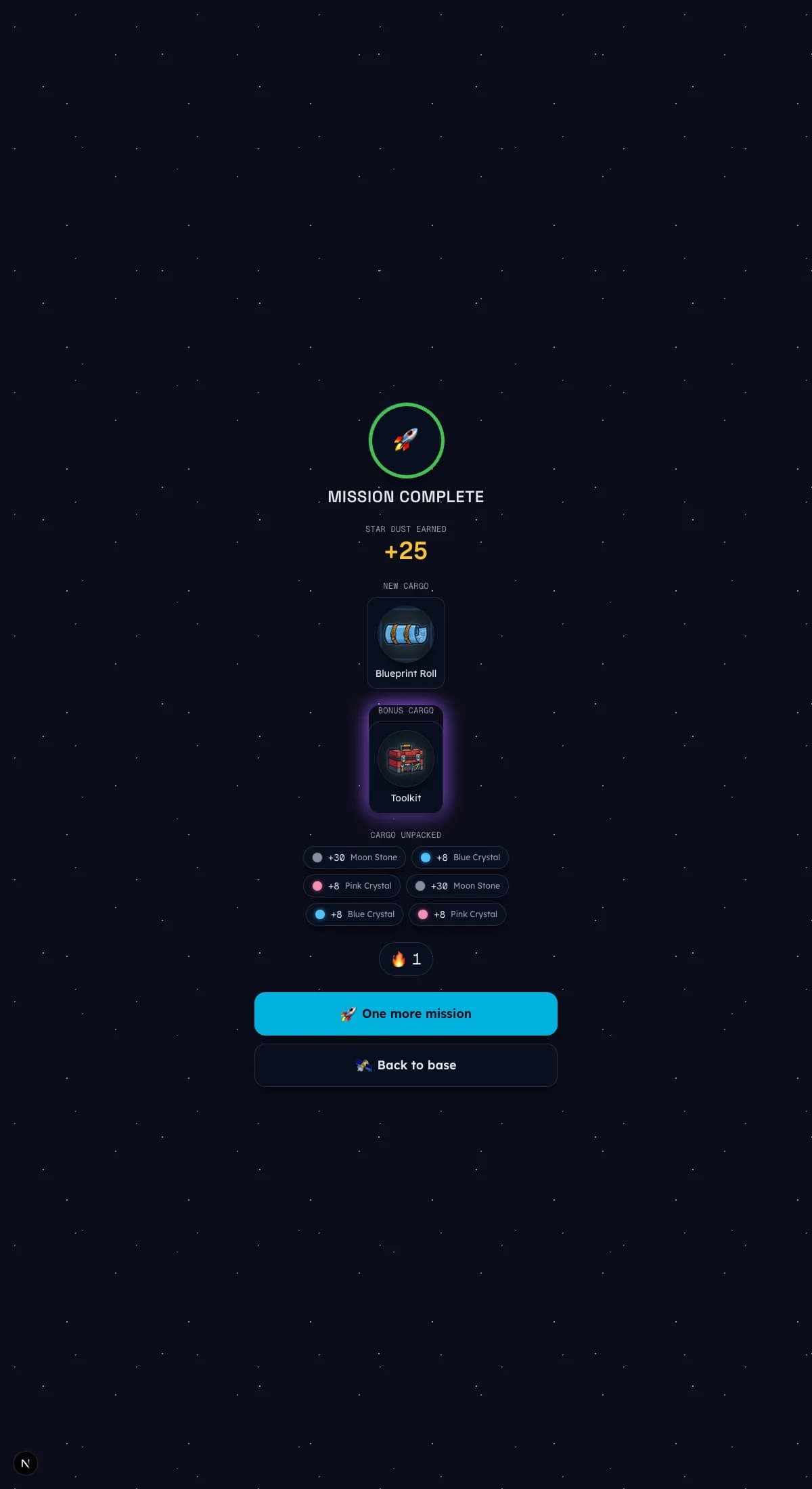
Mission Complete
The Star Dust tally, a rank check, and a cargo loot reveal to celebrate the landing.
Before the first mission
Star Scan placement
Star Scan is an optional, roughly five-minute mini-mission that measures where to begin instead of guessing. It serves a few short word reads per band, walking up when they go well and easing off when they miss — so it lands your child on a starting planet backed by what it actually saw.
- Never feels like a test. There is no fail language anywhere — a missed word is a 'good try,' and the scan simply steers to an easier band.
- Runs tap-only without a microphone, so it works whether or not voice coaching is on. A tap scan measures word recognition; it never gates anything.
- A guardian can skip it entirely. The starting planet from the setup questionnaire stays the fallback if Star Scan is skipped.
- It plays once, up front. After it sets the starting point, your child flies the normal mission sequence from there.
Practice, eleven ways
The eleven reading games
Missions rotate through a set of short games. Each one practises the same reading skills from a different angle — listening, blending, spelling, and reading in context. Here is every game in plain terms.
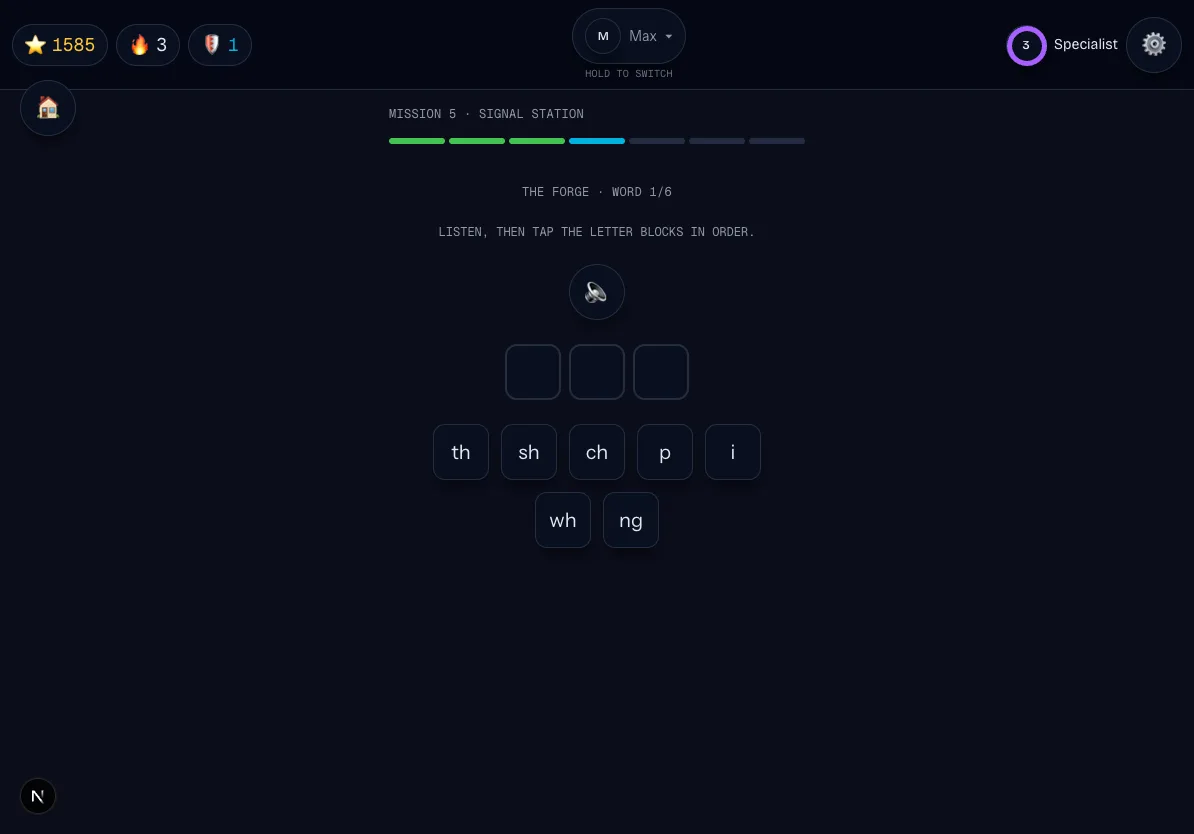
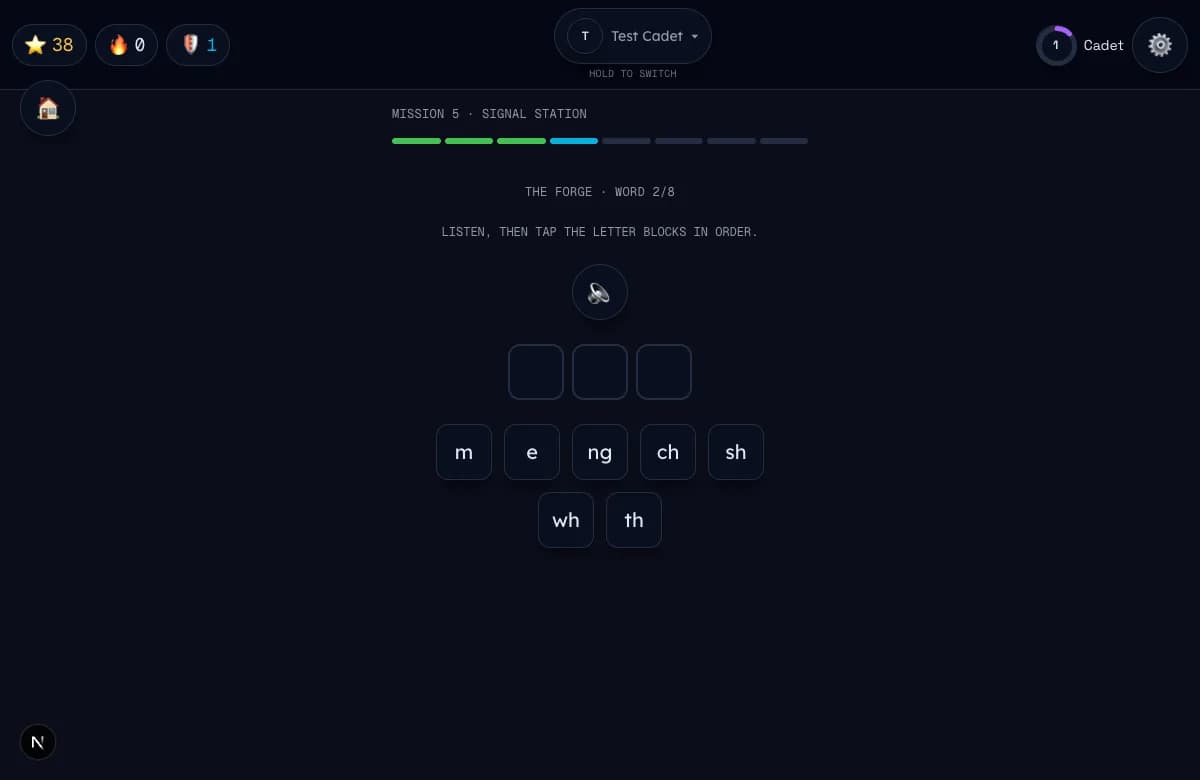
01Sound Scanner
Nova plays a sound; your child taps the letter that makes it. Pure listen-and-find.
02Launch Sequence
Letters light up left to right. Your child taps them in order, blends them together, and says the whole word to launch the ship.
03The Forge
Nova says a word and your child builds it from letter tiles. This is spelling practice — hearing a word and choosing the letters that spell it. (Different from Star Forge World, the building sandbox further down.)
04Sound Forge
Like The Forge, but your child builds the word from sound blocks — chunks and syllables — instead of single letters. Good practice for hearing the bigger pieces hiding inside a word.
05Meteor Breaker
Written words are matched to picture meteors: read the word, tap its picture.
06Bio-Dome Sprint
Your child reads a sentence and a plant grows a little more with each correct read.
07Heart Word Lab
For tricky words that cannot be sounded out neatly (like the or said): tap the sound chunks, put a heart on the part that must be remembered by heart, rebuild the word, and say it.
08Word Surgery
On planet 11 only: long words are split into parts and then stitched back together, so big words stop looking scary.
09Story Mission
The last mission of each planet: a real, fully decodable story read one page at a time.
10Cargo Sort
A word appears and your child taps which of two labeled cargo holds it belongs in — sorting by the sound or spelling pattern printed on each hold.
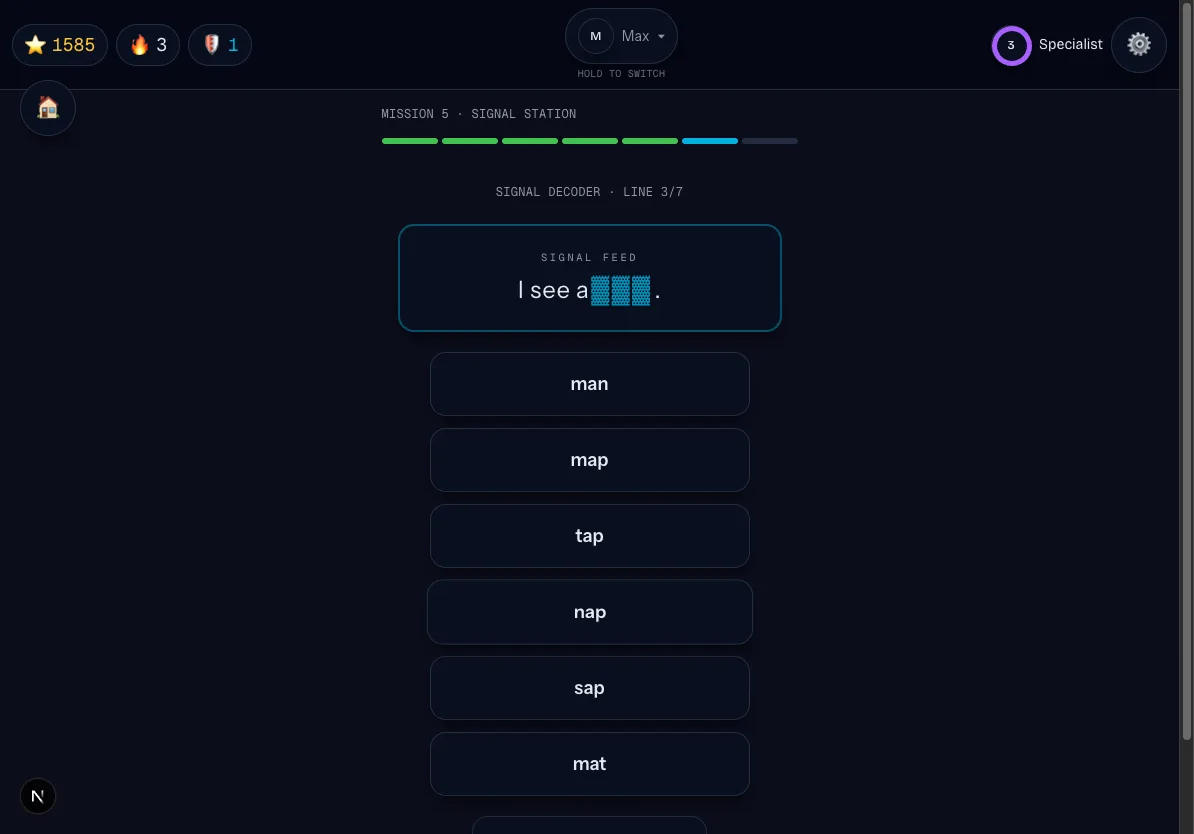
11Signal Decoder
One word in a sentence is jammed. Your child taps the printed word that fits the gap.
You may also see
A few games appear only in certain conditions, so do not worry if you have not met them yet. Word Surgery shows up on planet 11. At higher Flight Levels with the radio on, Word Sprint adds a say-it-out-loud phase and Signal Decoder gains a spoken phase too — and Sound Forge's spoken variant opens up as well. With the radio off, every game stays fully tap and AAC-friendly.
A separate track
Math missions
Alongside reading, StarSeeker has a math track built the same way — missions, a story, and Nova guiding the way. 5 planets are playable today, from counting through ratios. Here is what your child does on each one.
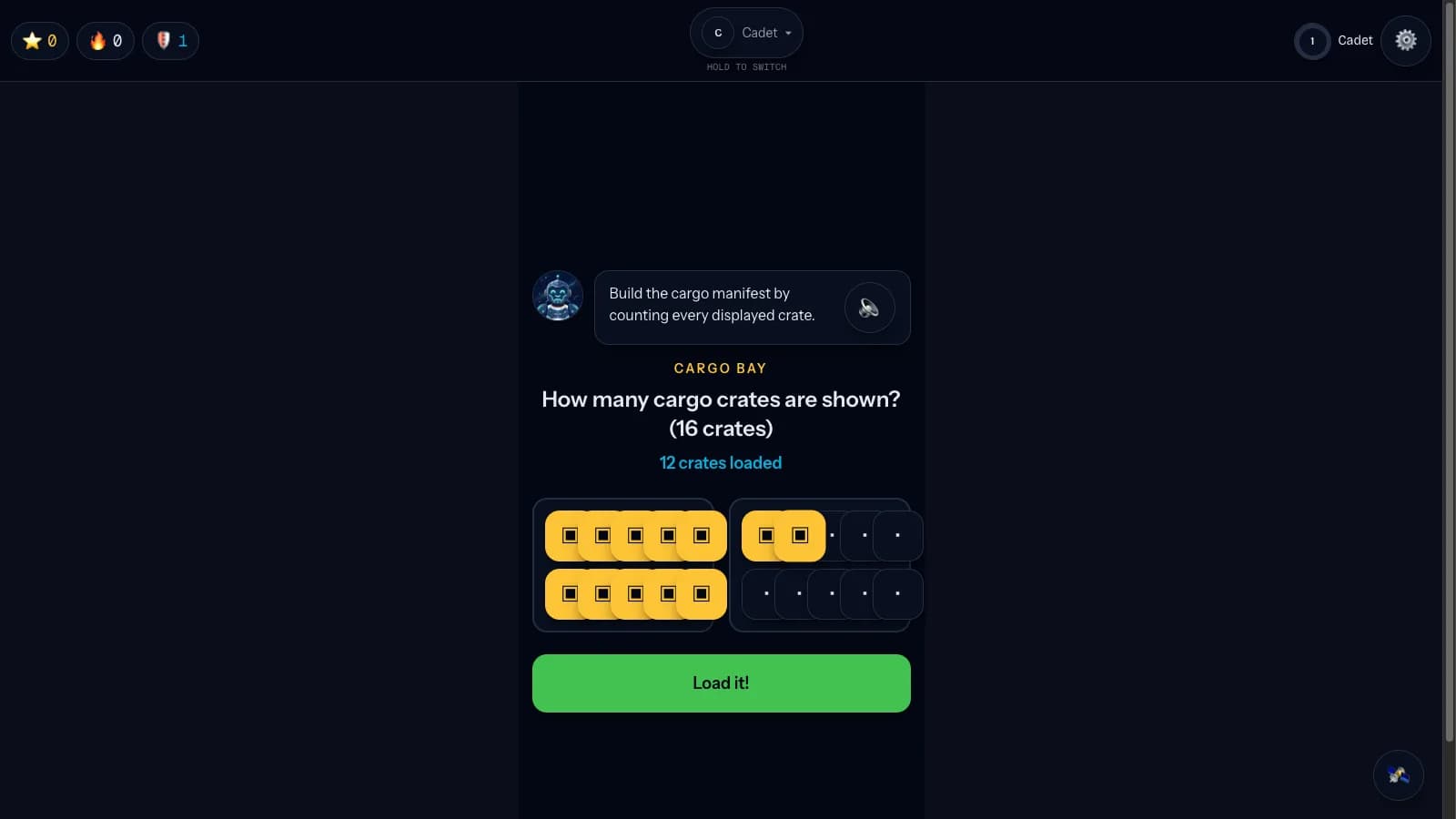
01Tally Flats
Load and unload cargo, arrange crates in ten-frames, and mark each quantity on the Number Rail.
02Carry Canyon
Build bridges from base-ten rods. Regroup by physically breaking one ten-rod into ten ones.
03Array Foundry
Tile factory floors in rows and columns, form equal groups, and measure area in floor tiles.
04Fraction Falls
Slice and share water channels, then place their magnitudes on the Number Rail.
05Ratio Bazaar
Compare prices and trade cargo by ratio at a working port.
A lesson before the practice.
On Tally Flats, the first time your child meets a new counting idea — counting, cardinality, comparing, counting on, or skip-counting — Nova teaches it in three spoken beats before any practice question appears. The concept comes first; the practice only tests it. It plays once per concept, so a child who already knows it moves straight through.
- Watch — Nova demonstrates the idea out loud
- Try together — your child taps along with Nova's help
- Do one yourself — before the practice round begins
Math waits for the grown-up.
Math is off by default. A guardian decides when to turn it on, and placement is required before the first math mission.
Once a guardian turns math on for a child, the galaxy map shows a one-time banner inviting them to take the flight check — a short placement Nova walks them through — before any math planet unlocks.
- One shipped arithmetic course spans all five playable planets.
- A placement flow sets the starting point; there is no parent difficulty dial.
- Every NPC calls your child Cadet. Their name is never sent to an AI or voice provider, during production or play.
The big finish
Boss showdowns
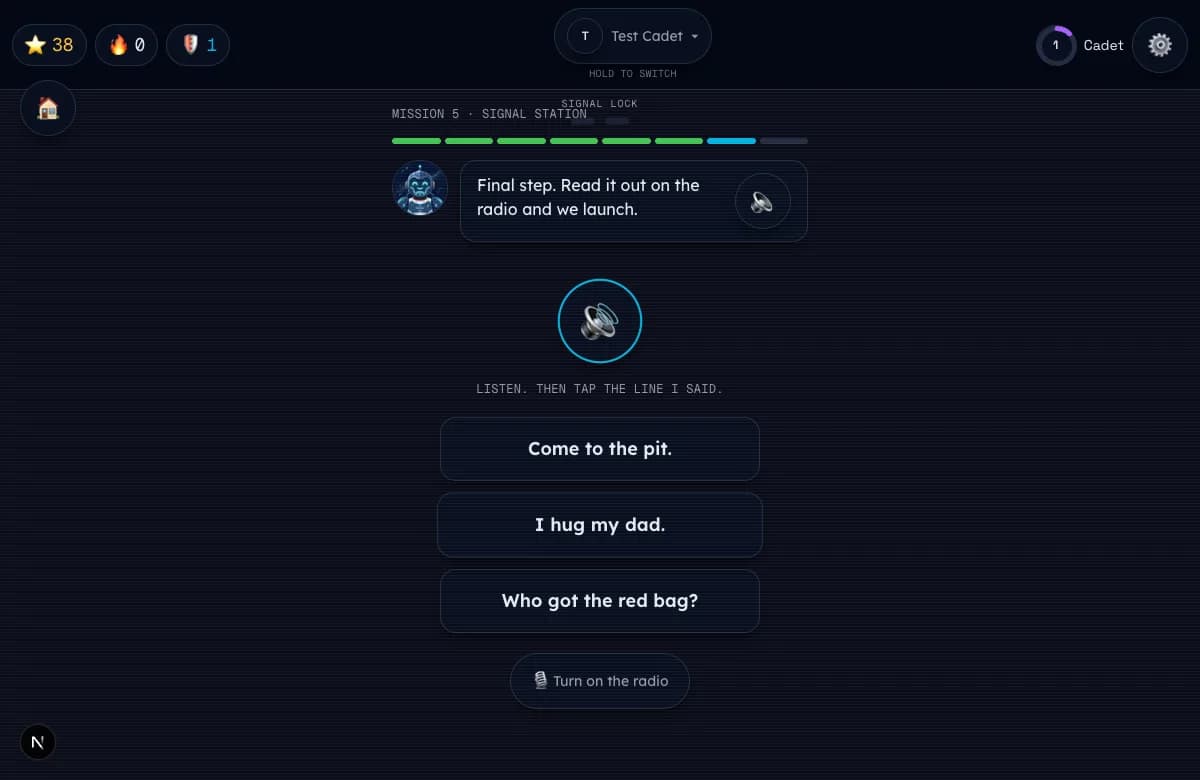
On the final mission of planets 4 through 11, a Glitchling lieutenant appears and taunts your child. Reading the words correctly de-scrambles the signal lock, and the villain Garble escapes with his catchphrase. It is a celebration, not a test — there is still no way to lose.
On the final three planets, Garble stops relying on the usual lieutenants and deploys his elite guard — Jumble on Block World, Hush on Deep Space, and Snip on Word Surgery Station. Each one is keyed to that planet's hardest skill family, and each shows up inside that planet's quest episode rather than the showdown itself. Like every other villain, they fold the moment a reader puts things back in order.
Beyond the missions
Quests, seasons & the daily mailbox
A three-season quest arc runs alongside the planet missions, across stages 2–11. Each season is a set of episodes tied to the planets your child is actually reading — signs to read, letters to deliver, recipes to follow — and every written clue is decodable at that planet's level. Reading is never the blocked path: acting on the text simply completes as your child finishes the mission that hosts it.
Season 2 · The Word Storm
3 episodes across Planets 2–4. Read a sign, follow a recipe, and deliver the mail.
Season 3 · The Scramble Spreads
4 episodes across Planets 5–8, each fronting that planet's own Glitchling lieutenant.
Season 4 · The Elite Guard
3 episodes across Planets 9–11, where Garble deploys Jumble, Hush, and Snip.
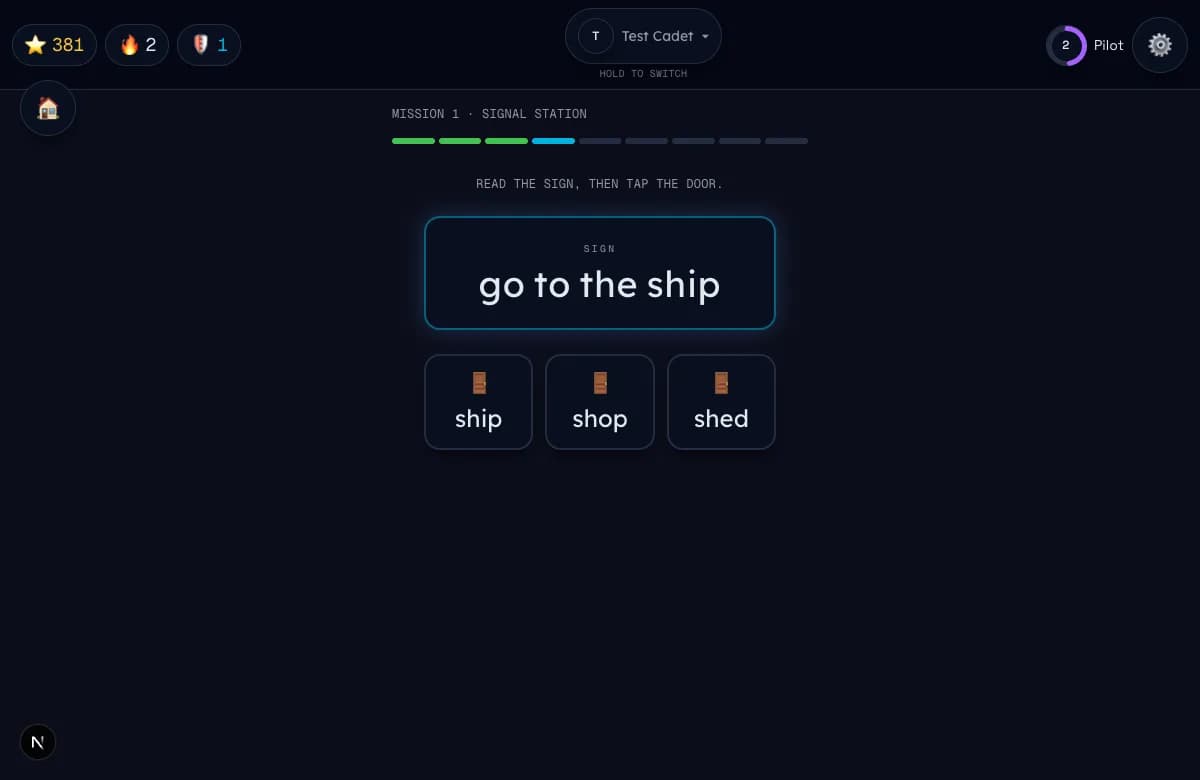
Outside of flying, the station has a few gentle reading spots:
- Mission Board — the quest log, showing current and completed quests.
- Daily Mailbox — a short letter arrives each day, and every word can be tapped to hear it read aloud.
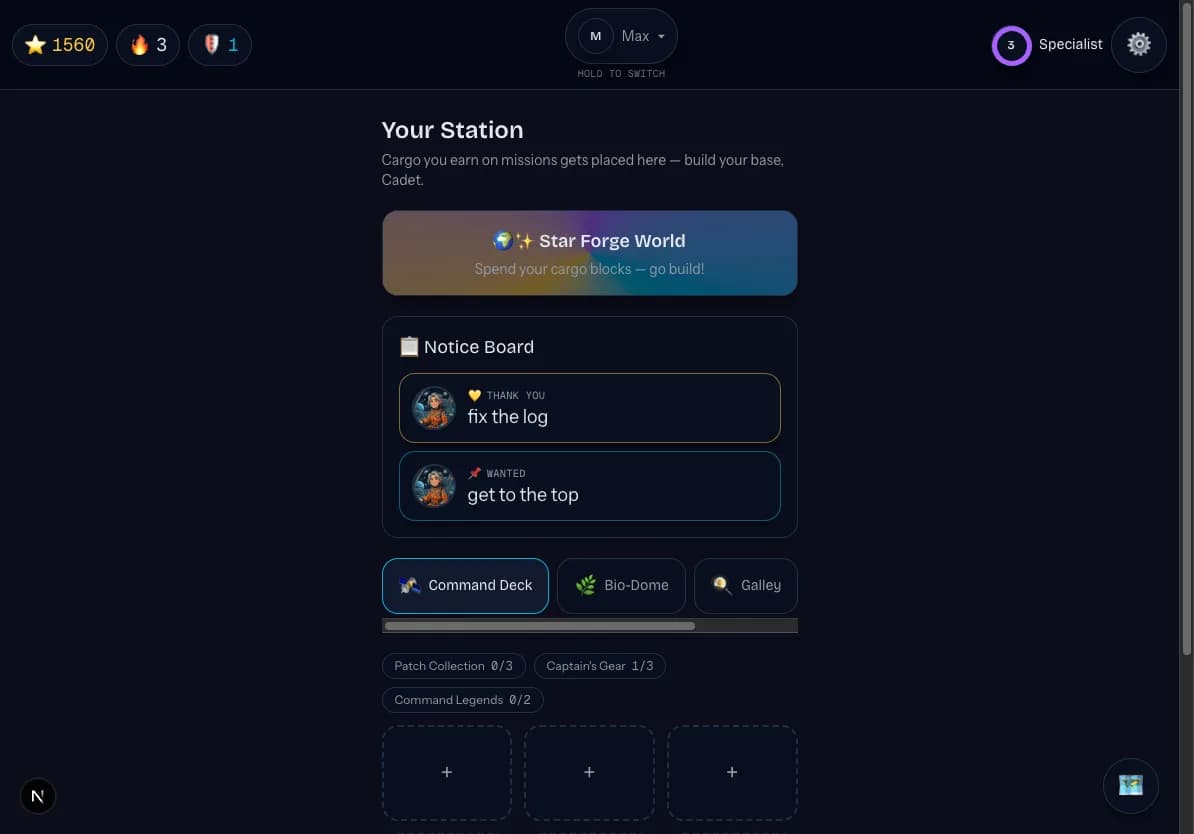
- Notice Board — station notices to read at your child's own pace.
- In-mission reading — Sign Gates, Recipes, and a Letter Reader, where a little real reading opens the way forward.
There are no timers and no fail states anywhere in StarSeeker. Your child can take all the time they need.
A daily appointment
Mission of the Day
Once a day, a short, bonus Mission of the Day appears for each cadet. It is built from the words and skills that child is due to review, so it quietly brings yesterday's hard-won sounds back around. It runs three quick beats — a systems-check review, one minigame, and a read-aloud finale — and finishing it opens a daily cargo chest full of building blocks for Star Forge World.
- Purely bonus. It never touches stage progression, unlocks, or certification — nothing about the main flight path changes if a day is missed.
- It counts as activity, so a daily completion helps keep a streak alive.
- One per cadet per day. The mission is seeded for that child on that day, so it is the same if they replay it.
- The cargo chest is claimed once, server-side, and can never be granted twice for the same day.
Home base
The station & collections
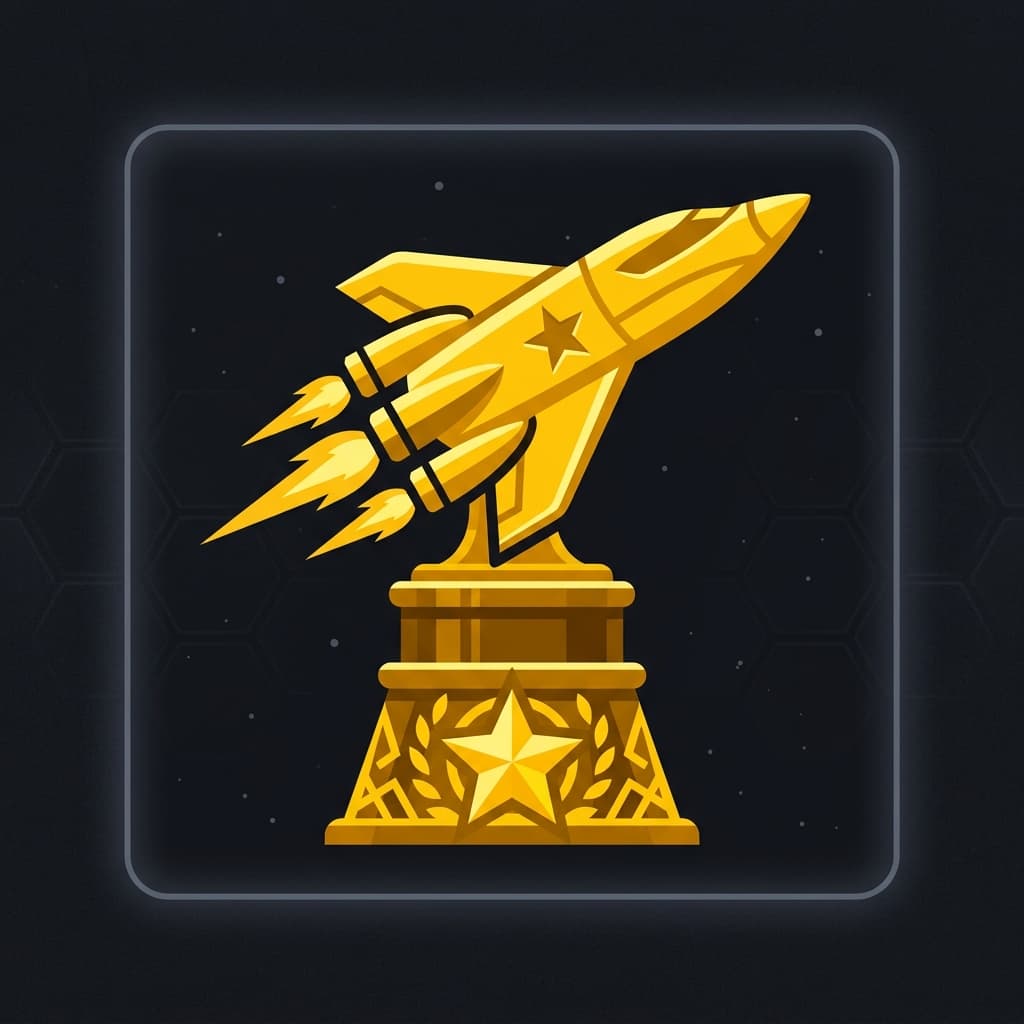
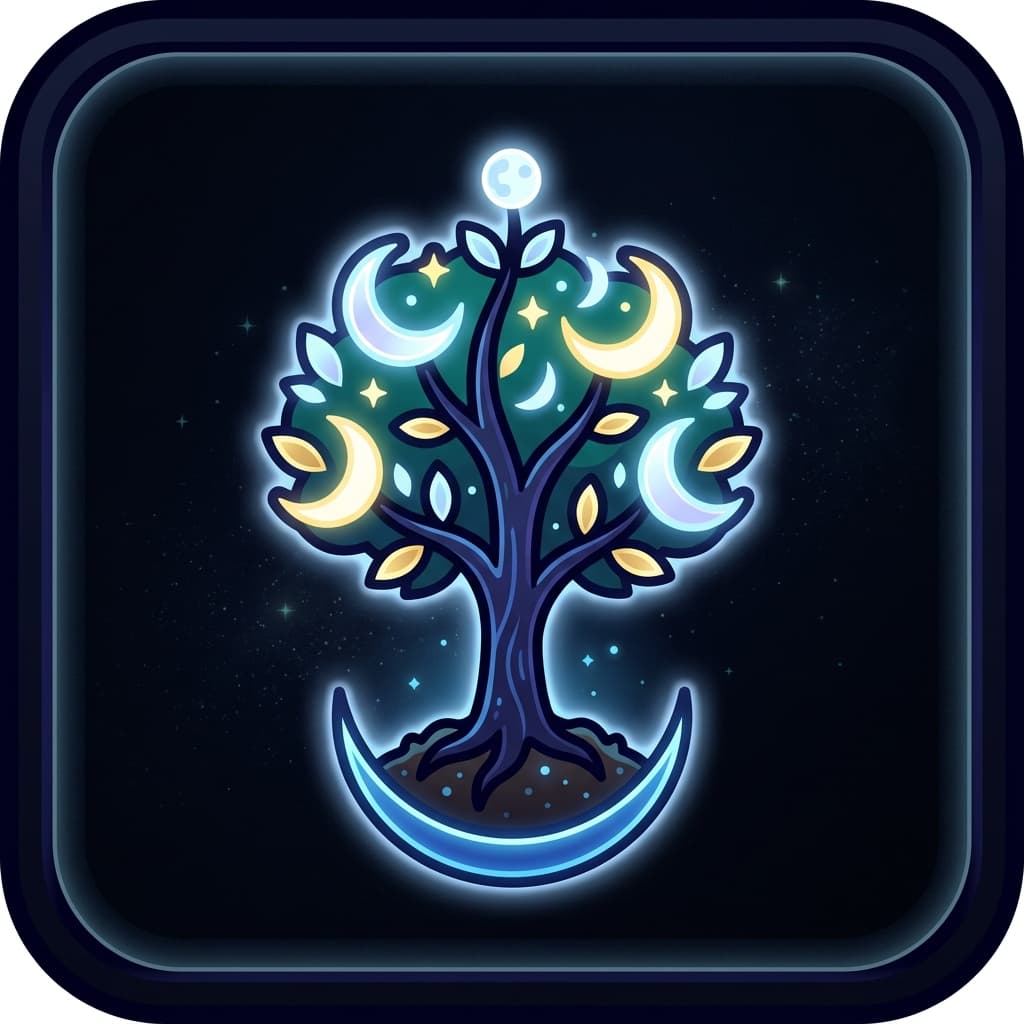
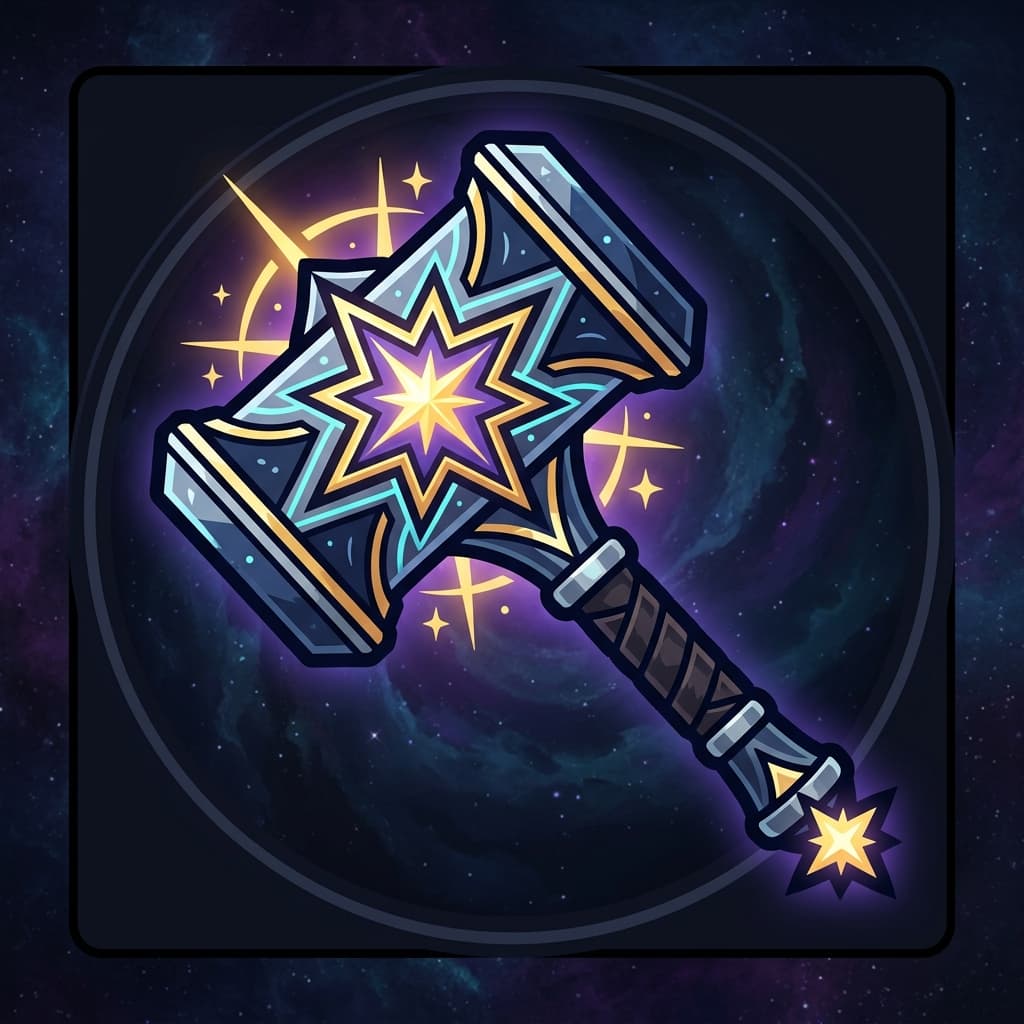
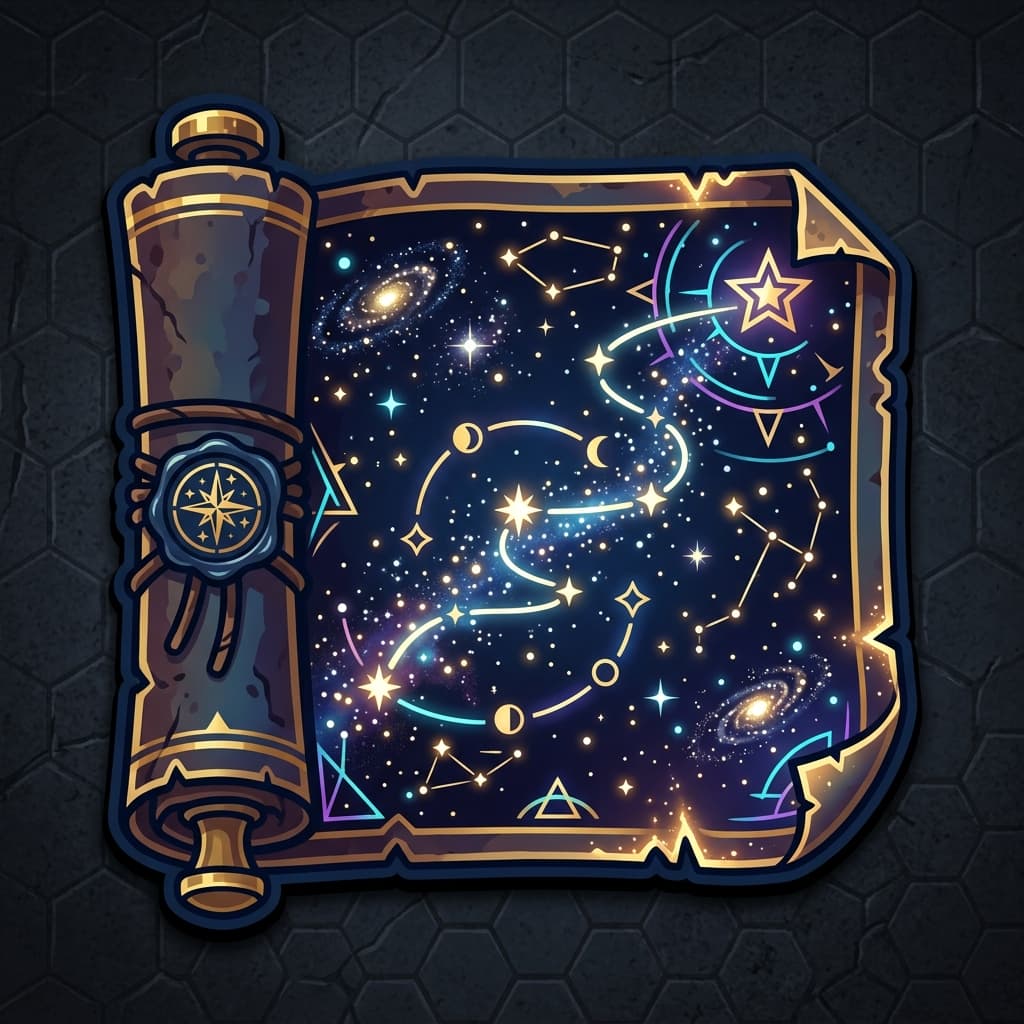
Between missions, your child returns to the space station. It has four bays, each with six display slots to fill with the cargo they collect. There are 32 collectible cargo items in all, grouped into 12 named sets. Tap any item you have collected and it speaks its name.
The four bays
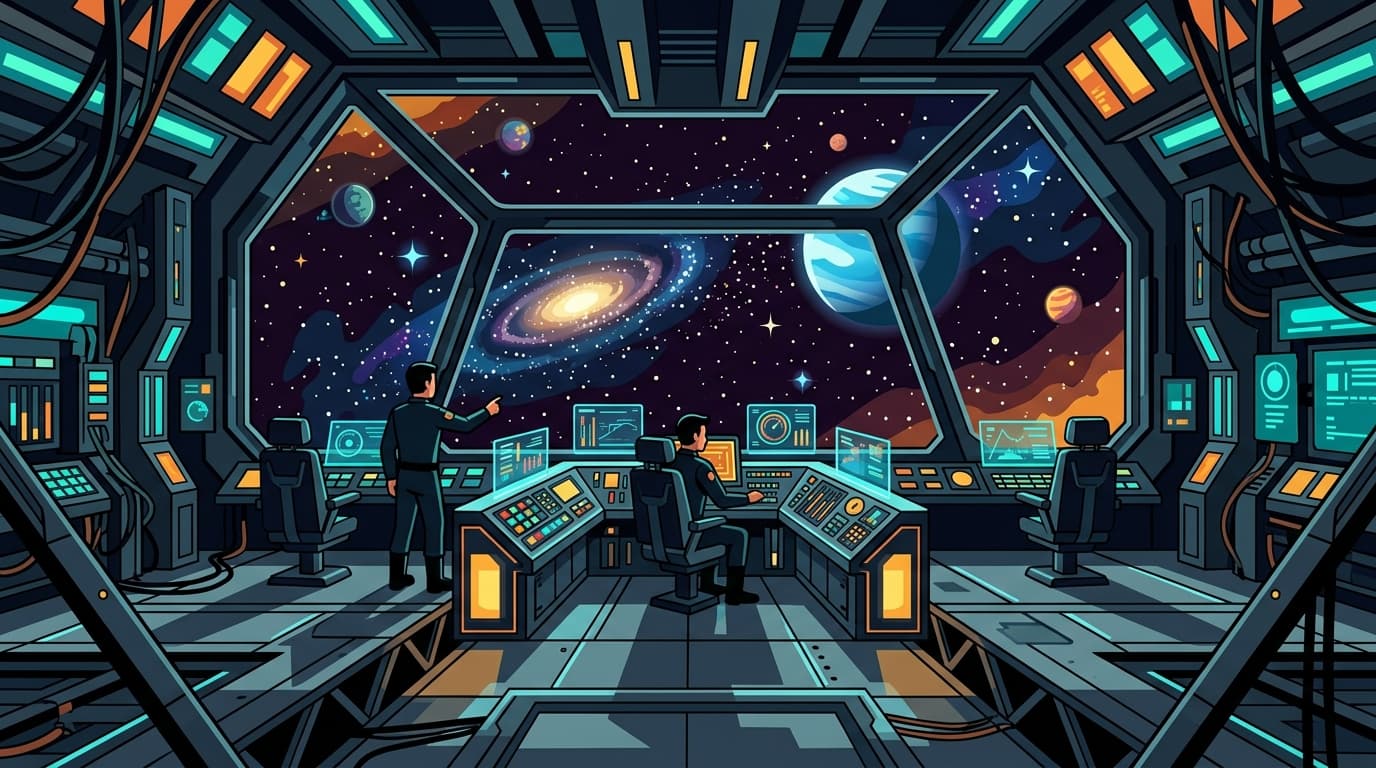
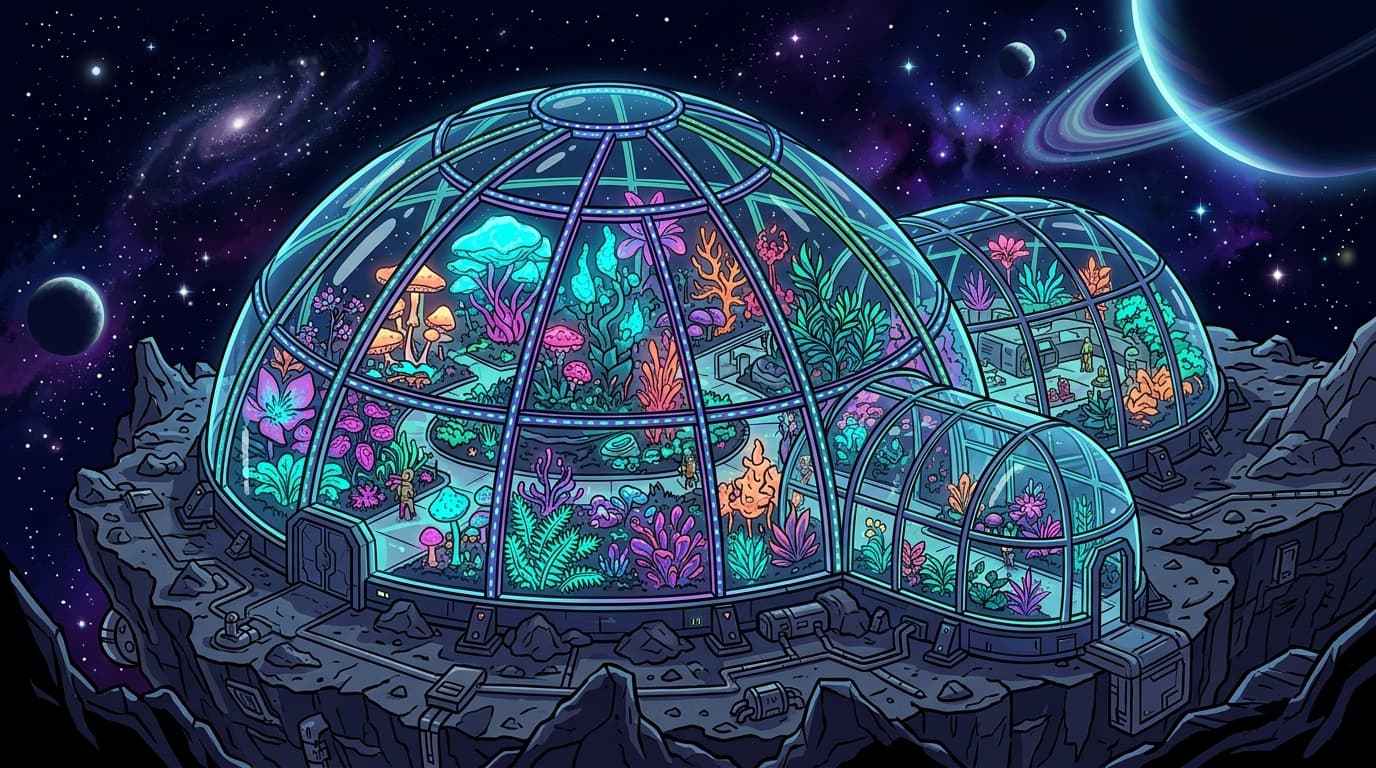
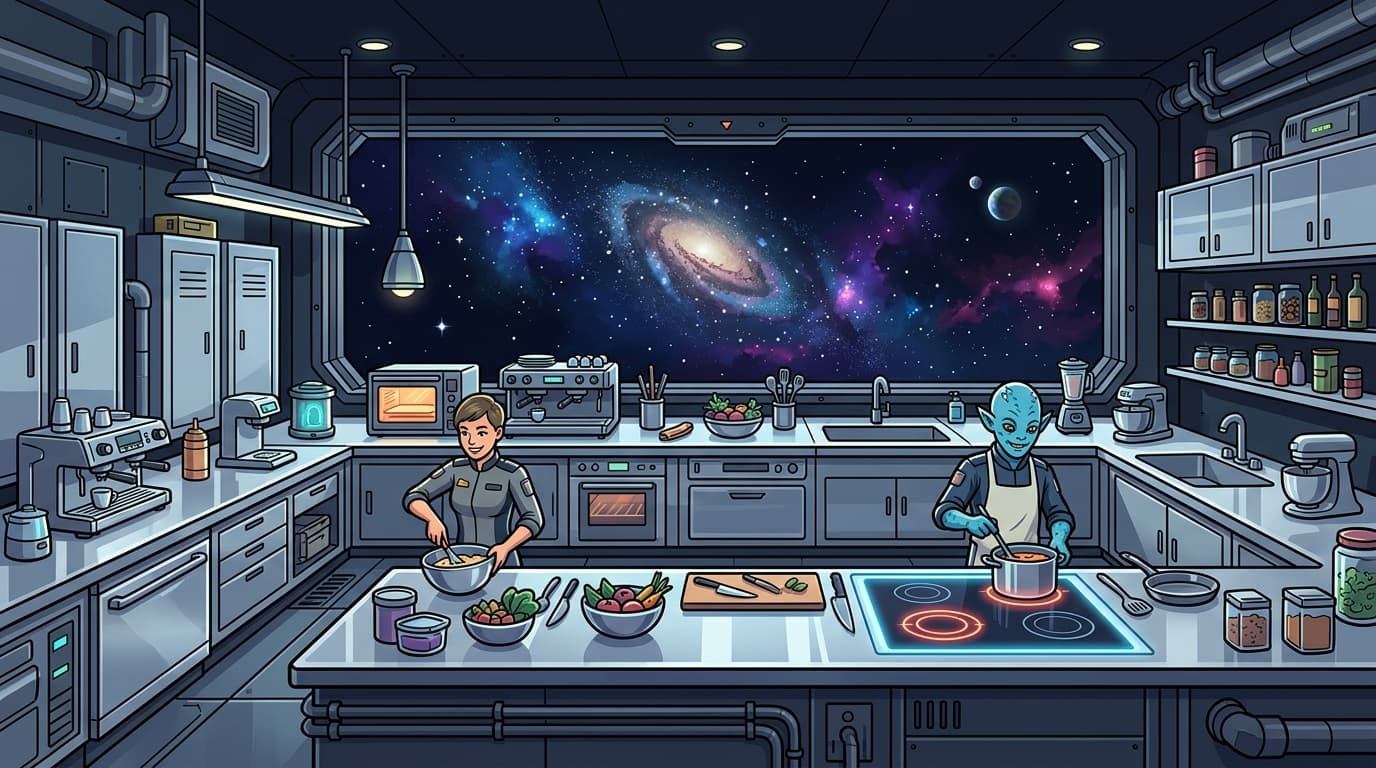
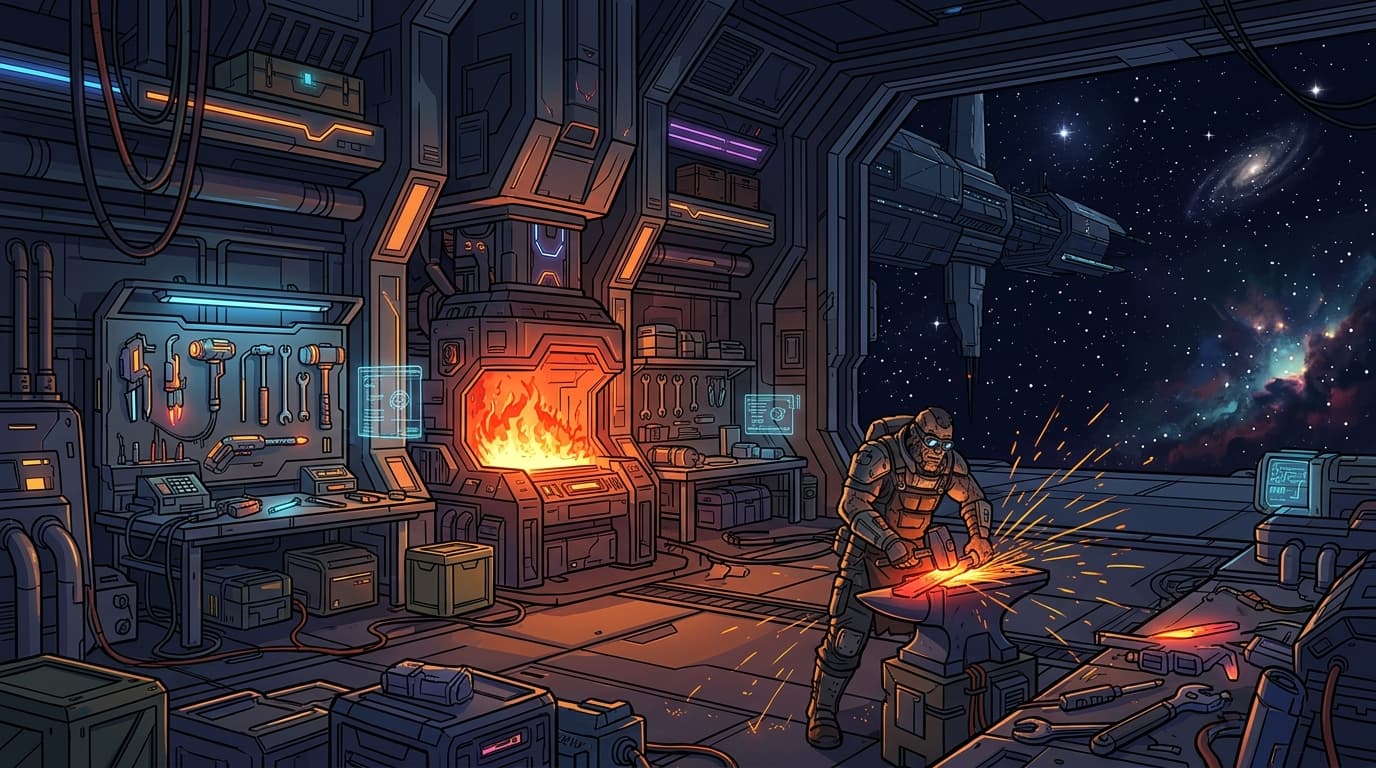
The Forge here is the station bay, not the spelling minigame of the same name.
A few of the collectibles

The sandbox
Star Forge World
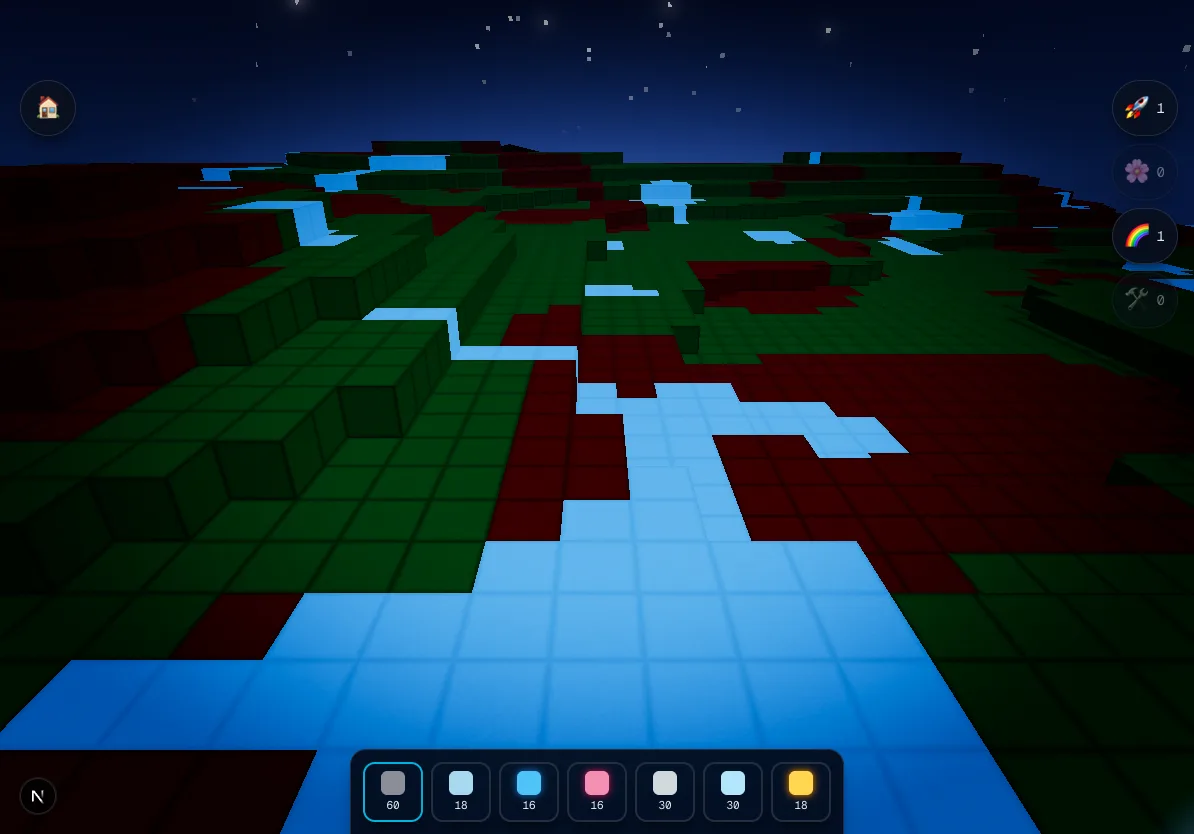
Star Forge World is a voxel building sandbox — a calm, creative reward for all that reading. The cargo your child collects unpacks into themed bundles of building blocks, which they place from a hotbar to build whatever they like. This is also where the World Gear power-ups (further down) are used.
NPC build requests
NPCs sometimes ask your child to build something — and the request is a sneaky piece of reading practice. To know what to build, your child has to read the instruction, and every request is written to be decodable at a stage your child has already cleared. Counts are spelled out as words (‘ten’, not ‘10’), and a block swatch shows next to the text so a word connects to the block it names. Finishing a request pays out Star Dust and more blocks.
Boosts & gear
Power-ups
Every power-up in StarSeeker is free. Nothing in StarSeeker costs money. Everything is earned by playing — there is no store, and there is no way to spend real money inside the game.
Mission Boosts — picked before a mission
Star Magnet
+50 Star Dust when the mission is finished.
Echo Crystal
Nova says every sound slowly first.
Drone Assist
One free secret hint during the mission.
Comet Trail
Extra fireworks on every success.
World Gear — used in Star Forge World
Jetpack
Fly around Star Forge World twice as fast.
Boom Bloom
Clears a big area with a burst of flowers.
Rainbow Roller
The next 50 blocks placed turn to crystal.
Builder Drone
Stamps down a whole pre-made build at once.
How power-ups are earned
- A one-in-three roll every time a mission is completed.
- A perfect Systems Check guarantees a Drone Assist.
- Streak milestones: day 3 earns a Jetpack, day 7 a Builder Drone, day 14 a Rainbow Roller.
- Scavenge the hold: a free roll when your child has no boosts left, once every 15 minutes.
Full transparency
How Star Dust is earned
Star Dust is the one reward your child collects, and it is earned entirely by reading and trying. Here is every way it adds up, so nothing is a mystery.
| What your child did | Star Dust |
|---|---|
| Correct tap | 2 |
| Honest try (a wrong tap still counts as effort) | 1 |
| Spoken attempt (by how close it was) | 10 / 7 / 4 |
| Verified read | +5 |
| Mission complete | 25 |
| Full Voice Power meter | +15 |
| Star Magnet boost | +50 |
Built to listen — kindly
Speech and reading support
Reading practice should never hinge on how a word comes out of your child's mouth. Here is how StarSeeker keeps speaking optional and kind, every step of the way.
Echo Reading
After a story, an Echo Reading practice has Nova read the passage one phrase at a time while your child echoes each phrase back — copying Nova's prosody, the music of the sentence. A first wobble earns one re-model and another try, then the flow always moves on. With the radio off it turns into karaoke: Nova still models every phrase out loud, but nothing is recorded or sent.
- Say-it-with-me voice coaching has Nova model a word and invite your child to say it back, then cheer the attempt. It is off by default; a guardian turns it on per child from the Cadet profiles list at your account.
- Whether or not voice coaching is on, every task can still be answered by tap or a familiar AAC device — speaking is never required to move forward. With the radio off, tap answers every task instead.
- There are no failure buzzers and no red X anywhere in the game. A tricky sound gets modeled again and another try, and progress is measured by the tap your child makes, never by how a word came out of their mouth.
- StarSeeker was built first for a boy with childhood apraxia of speech, and works the same way for any child who benefits from extra modeling, more response time, or a lower-pressure way to practice.
Speaking & privacy
Voice & the radio
- Voice coaching is optional and starts off. A guardian can turn it on per child; otherwise every activity stays tap and AAC-friendly.
- On first use, your child taps the clearly labeled radio choice before microphone access is requested. After that, a reading attempt records automatically only during a clearly announced speaking turn, with a visible listening indicator, and closes when the turn ends. Microsoft Azure AI Speech assesses it, and StarSeeker discards it afterward unless a separate, current Tadamo import agreement authorizes a qualifying take for that same speaker's private review queue. A failed Tadamo delivery may remain only as encrypted ciphertext for up to 24 hours; StarSeeker never stores a transcript.
- You can turn the radio off at any time, from the family account online or from the in-game Settings gear.
- Every task can always be answered by tapping or with an AAC device. Speaking is never required to move forward.
- Open Radio is an optional, guardian-controlled mode that is off by default, and most families never turn it on. When a guardian turns it on from the family account, it listens only while real reading text is on the screen — never in menus — in short clips of about ten seconds, with the listening light always visible. Each clip is assessed for learning and then discarded; it is never stored and never sent to Tadamo. The full details are in the Children's Privacy Notice.
- Once a day, a one-tap Radio Check re-enables the microphone.
Your dashboards
Grown-up controls
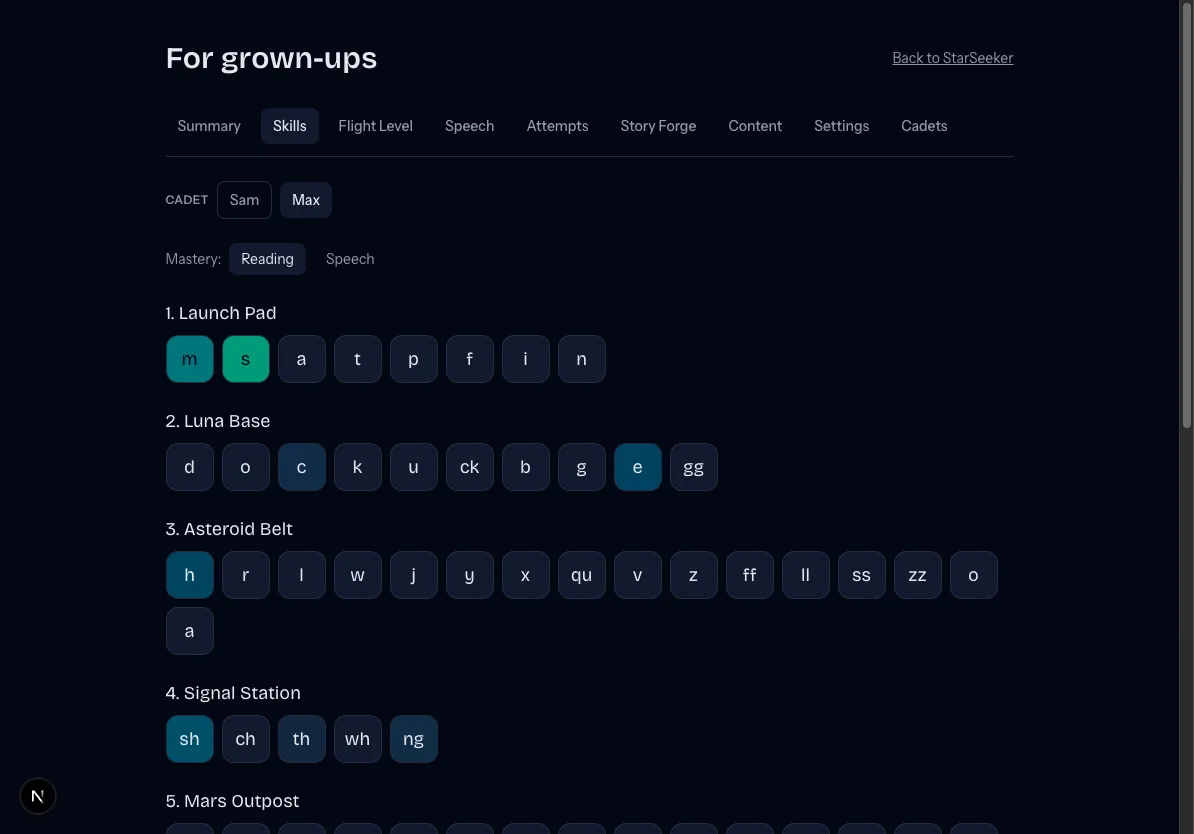
There are two places for grown-ups. Inside the game, the Settings gear has a Grown-ups door — a PIN-gated dashboard on that device with progress, practised skills, speech patterns, the attempt log, and settings.
Online, your Family Mission Control lives at your account. From there you can add and manage cadet profiles, switch each child's voice coaching on or off with a single tap, and manage billing and account security — all in one place. Each child's progress view breaks into tabs: reading skills by planet, math mission progress once math is turned on, speech practice reps, and a Speech Patterns tab where only a guardian can confirm or dismiss the expected-to-heard sound swaps the scoring noticed (and export them to CSV for an SLP).